The Nuclear Plan
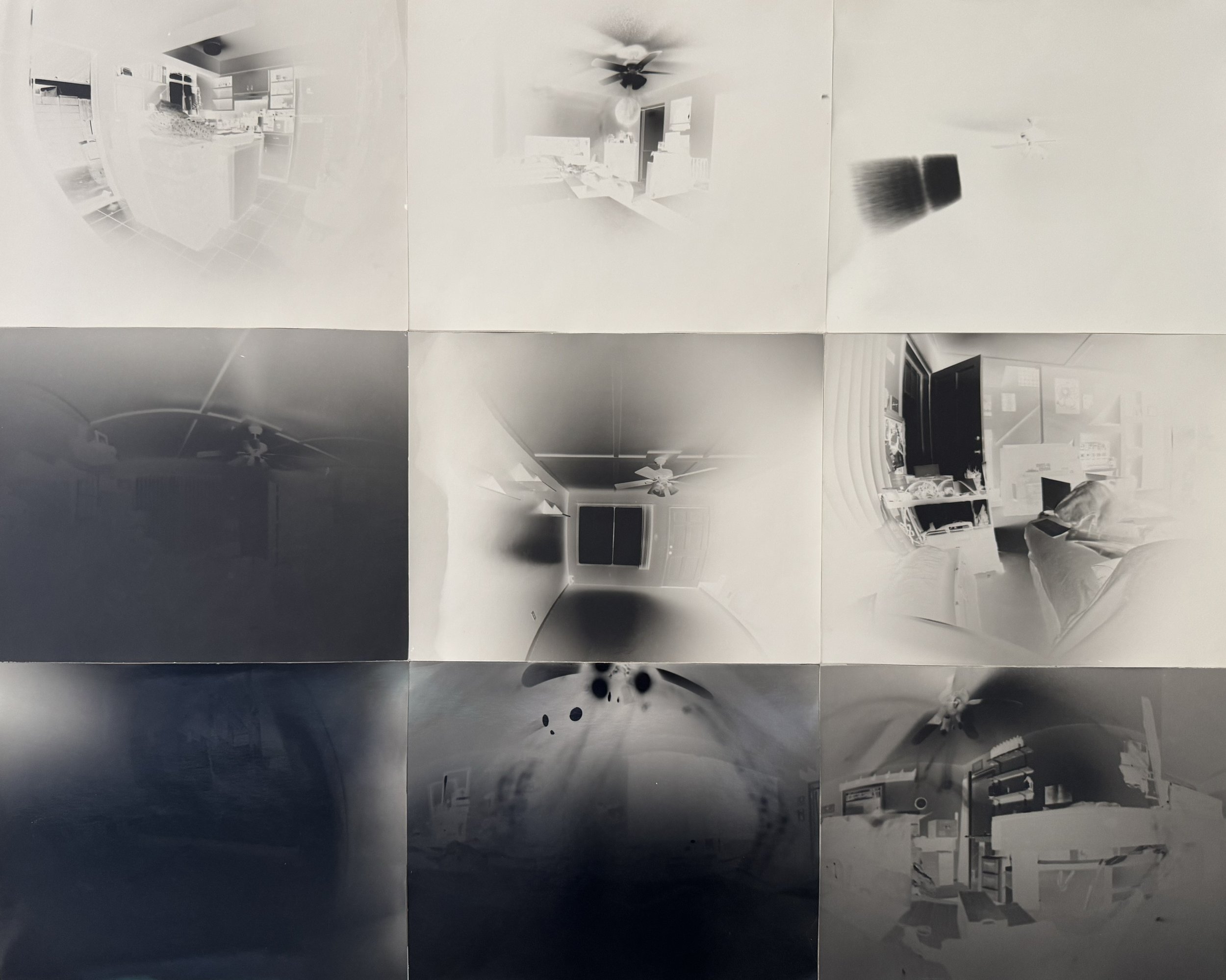
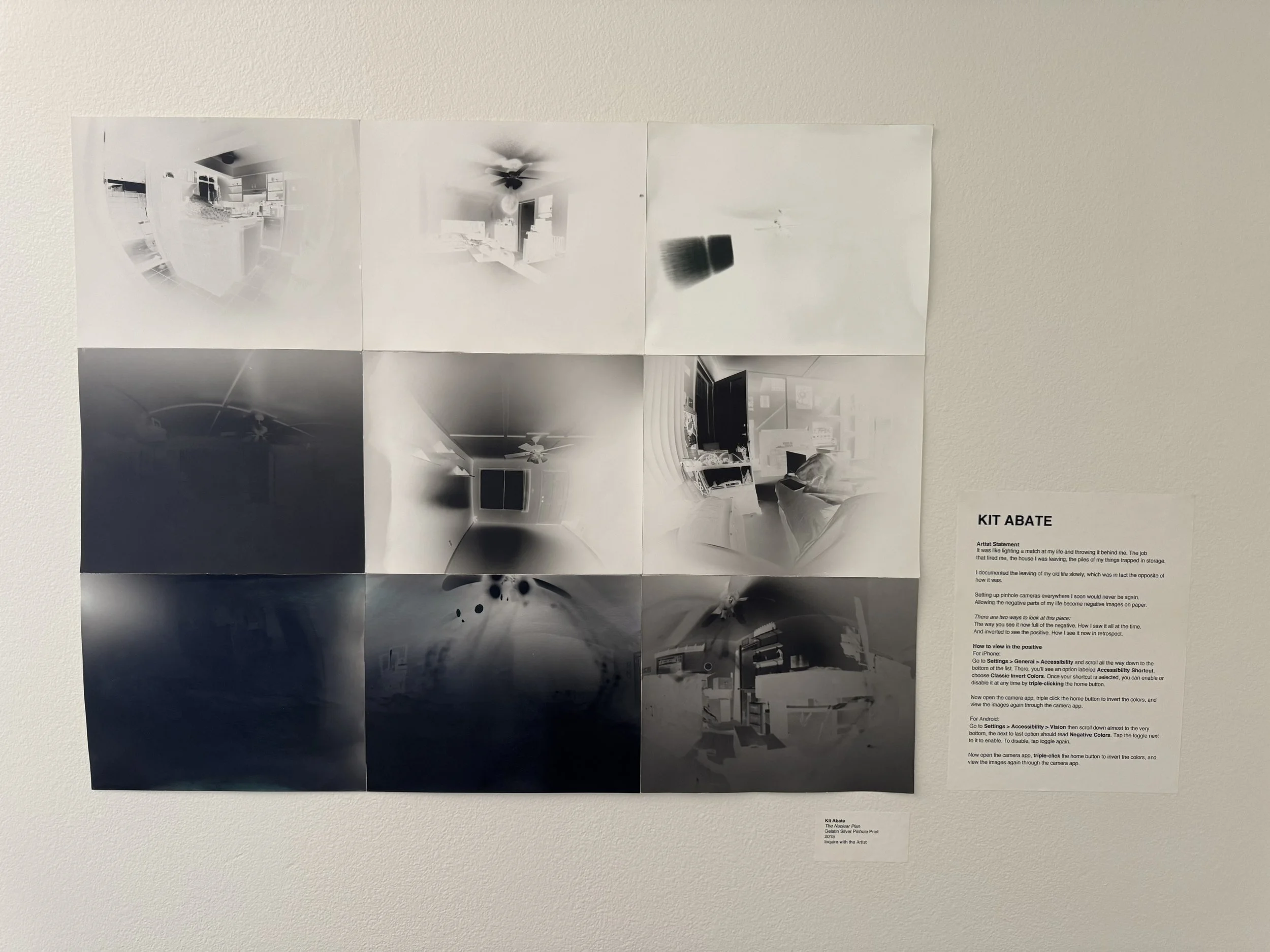
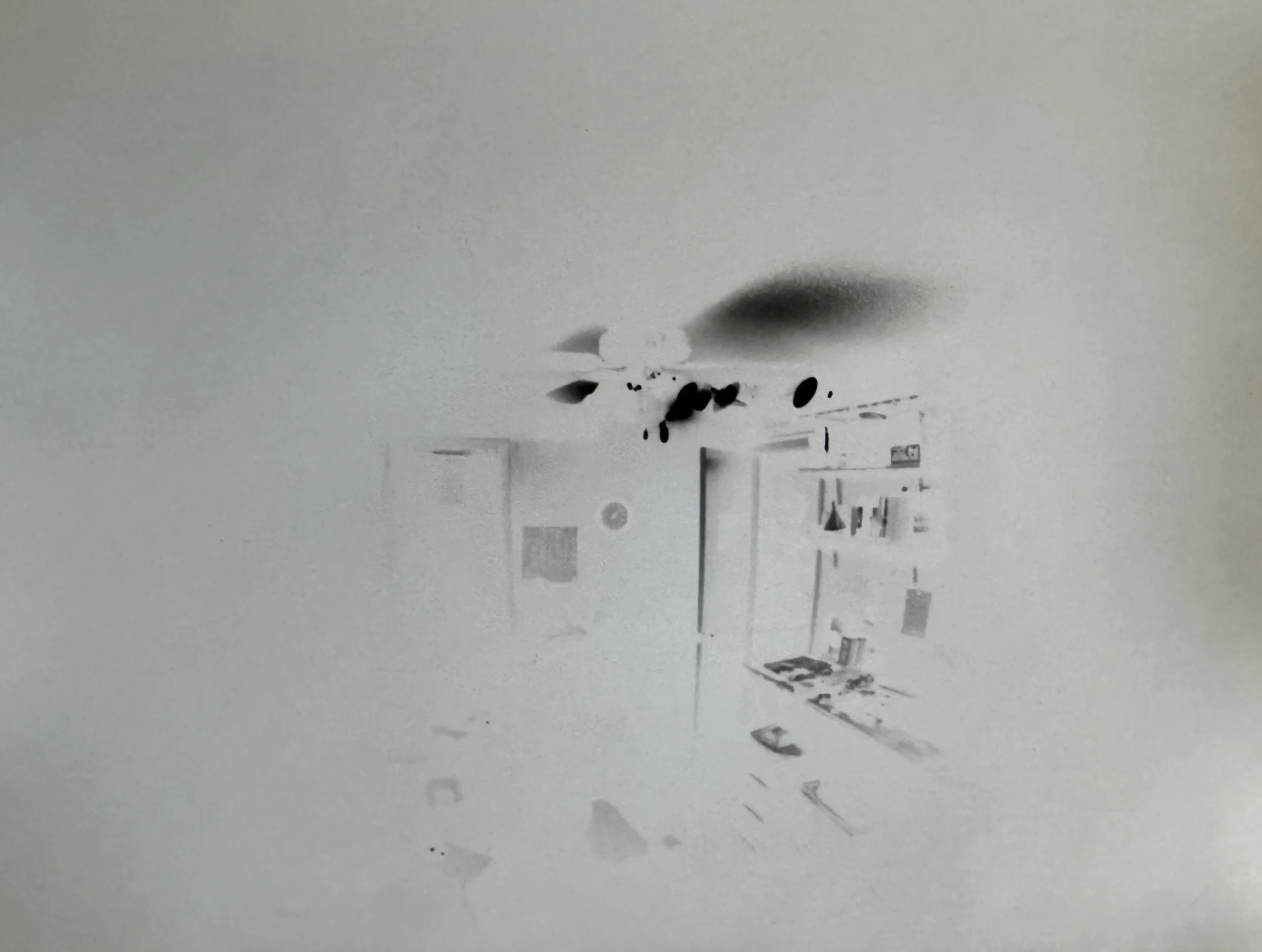
It was like lighting a match at my life and throwing it behind me. The job that fired me, the house I was leaving, the piles of my things trapped in storage. I documented the leaving of my old life slowly, which was in fact the opposite of how it was. Setting up pinhole cameras everywhere, I soon would never be again. Allowing the negative parts of my life to become negative images on paper.
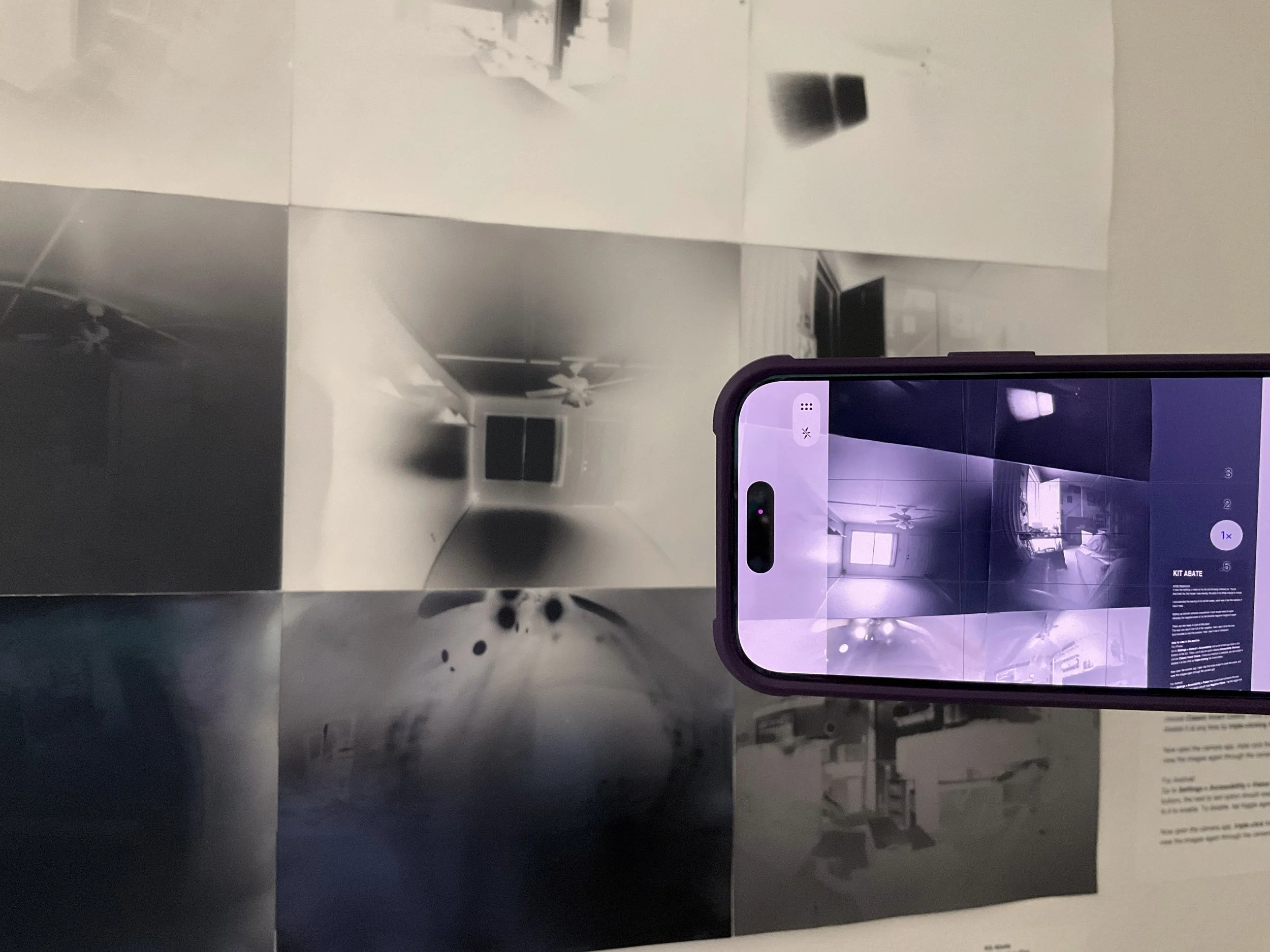
There are two ways to look at this piece: The way you see it now, full of the negative. How I saw it all at the time. And inverted to see the positive. How I see it now in retrospect.
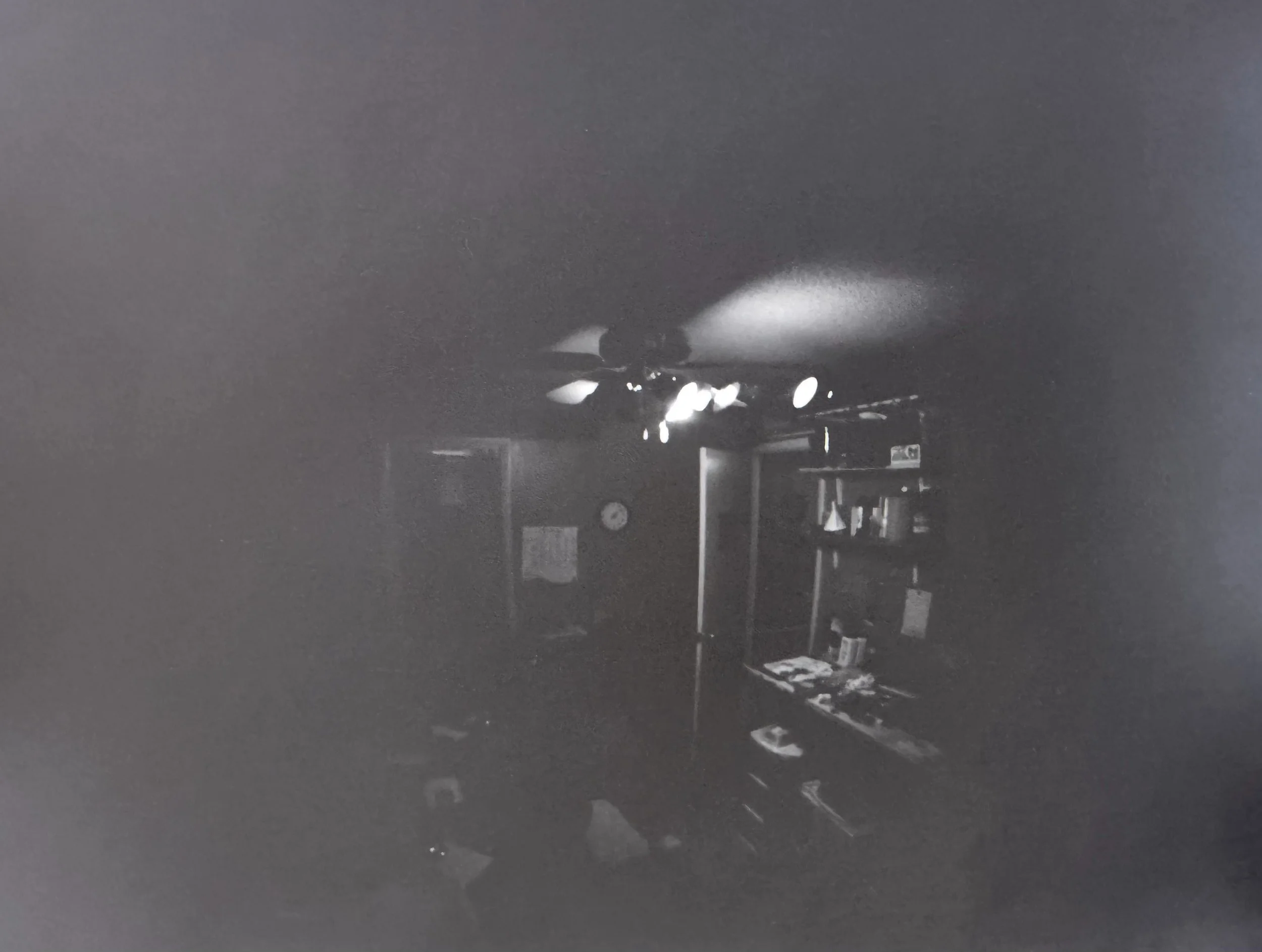
For iPhone:
Go to Settings > General > Accessibility and scroll all the way down to the bottom of the list. There, you’ll see an option labeled Accessibility Shortcut, choose Classic Invert Colors. Once your shortcut is selected, you can enable or disable it at any time by triple-clicking the home button.
Now open the camera app, triple click the home button to invert the colors, and view the images again through the camera app.
For Android:
Go to Settings > Accessibility > Vision then scroll down almost to the very bottom, the next to last option should read Negative Colors. Tap the toggle next to it to enable. To disable tap toggle again.
Now open the camera app, triple click the home button to invert the colors, and view the images again through the camera app.